




We have updated our Privacy Policy Please take a moment to review it. By continuing to use this site, you agree to the terms of our updated Privacy Policy.

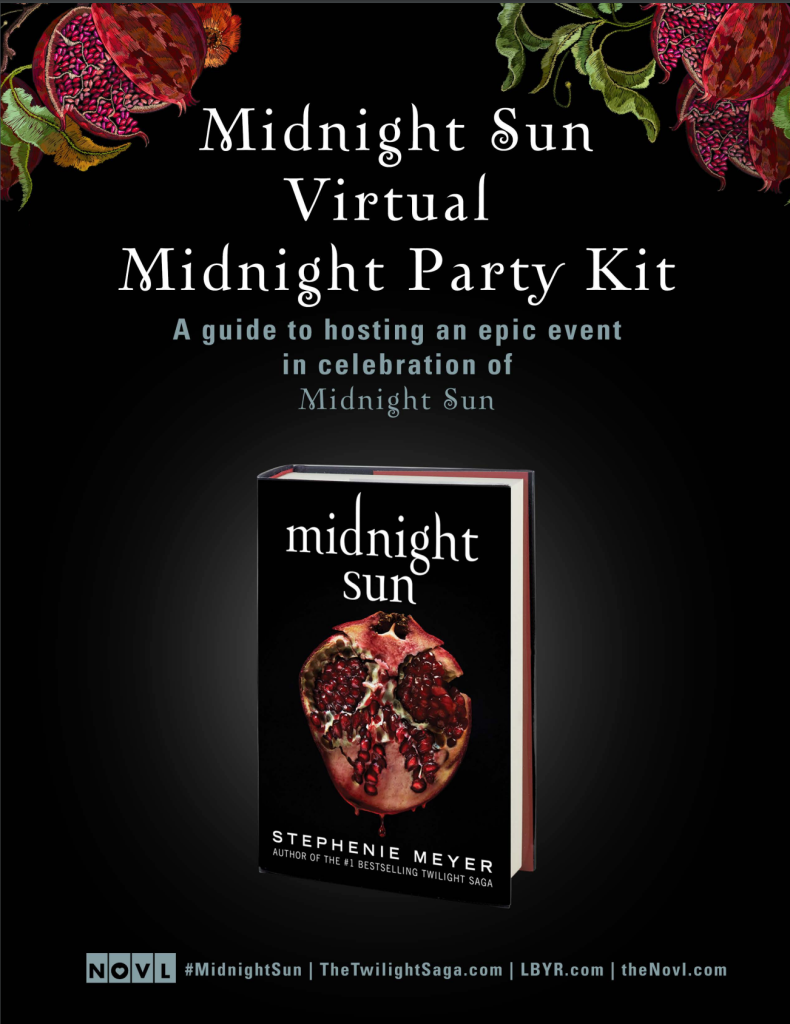
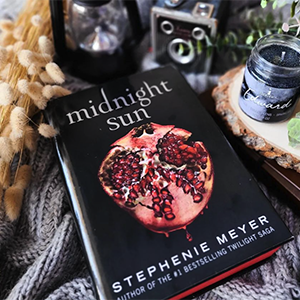
Midnight Sun
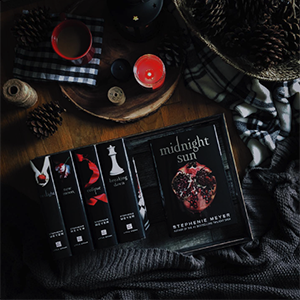
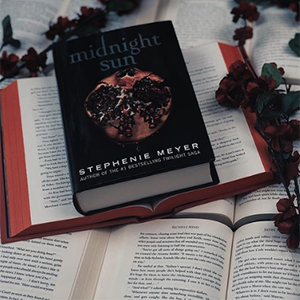
When Edward Cullen and Bella Swan met in Twilight, an iconic love story was born. But until now, fans have heard only Bella’s side of the story. At last, readers can experience Edward’s version in the long-awaited companion novel, Midnight Sun.
This unforgettable tale as told through Edward’s eyes takes on a new and decidedly dark twist. Meeting Bella is both the most unnerving and intriguing event he has experienced in all his years as a vampire. As we learn more fascinating details about Edward’s past and the complexity of his inner thoughts, we understand why this is the defining struggle of his life. How can he justify following his heart if it means leading Bella into danger?
In Midnight Sun, Stephenie Meyer transports us back to a world that has captivated millions of readers and brings us an epic novel about the profound pleasures and devastating consequences of immortal love.
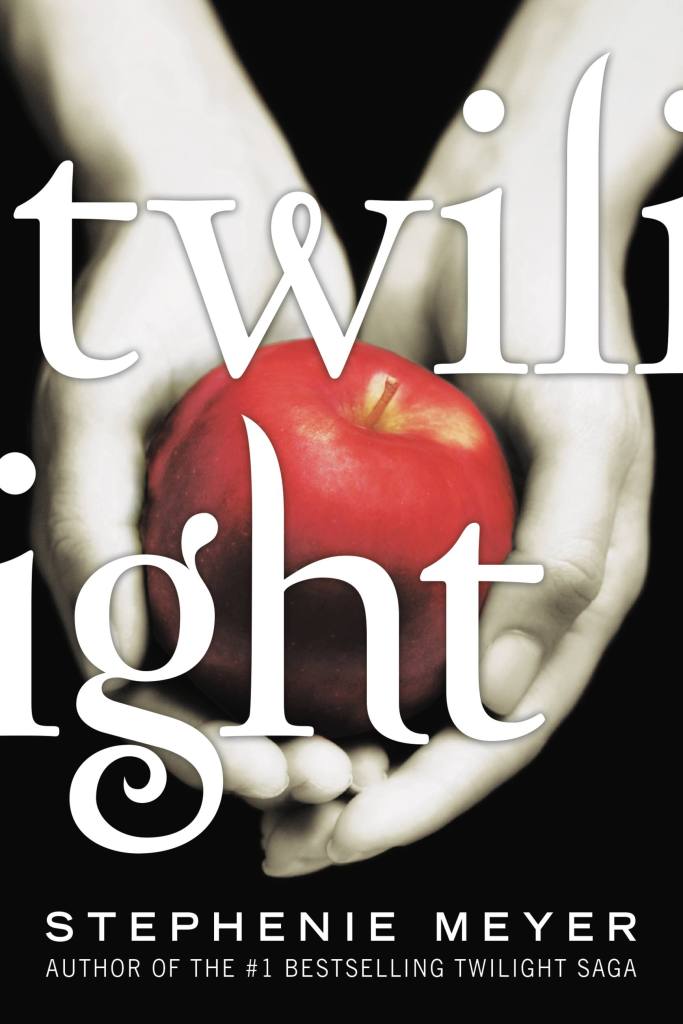
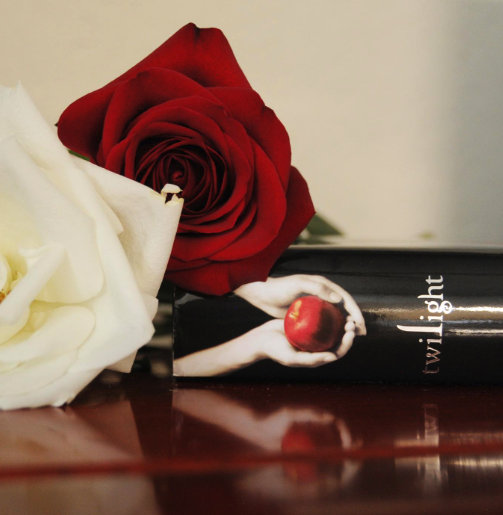
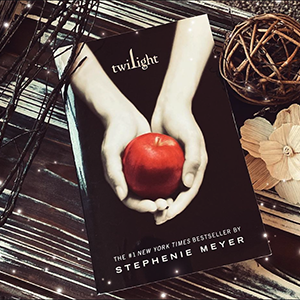
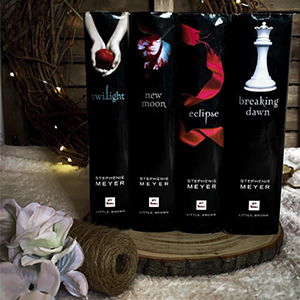
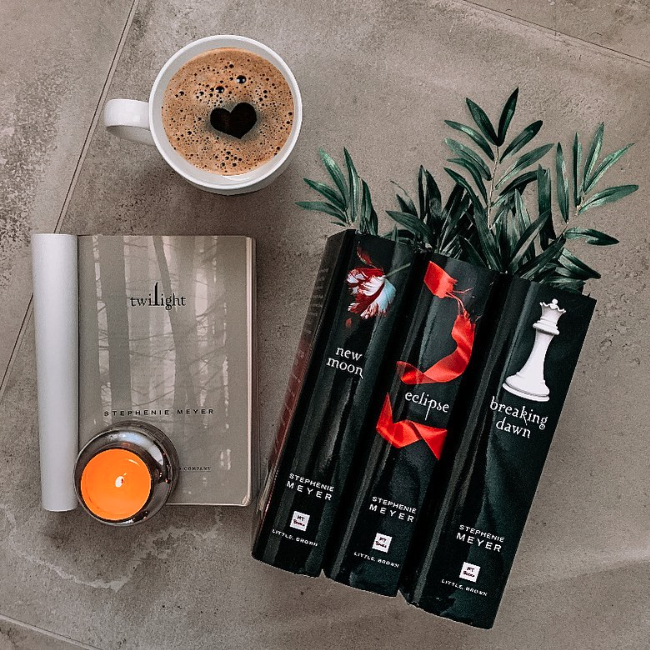
Twilight
Isabella Swan’s move to Forks, a small, perpetually rainy town in Washington, could have been the most boring move she ever made. But once she meets the mysterious and alluring Edward Cullen, Isabella’s life takes a thrilling and terrifying turn.
Up until now, Edward has managed to keep his vampire identity a secret in the small community he lives in, but now nobody is safe, especially Isabella, the person Edward holds most dear. The lovers find themselves balanced precariously on the point of a knife — between desire and danger.
Deeply romantic and extraordinarily suspenseful, Twilight captures the struggle between defying our instincts and satisfying our desires. This is a love story with bite.
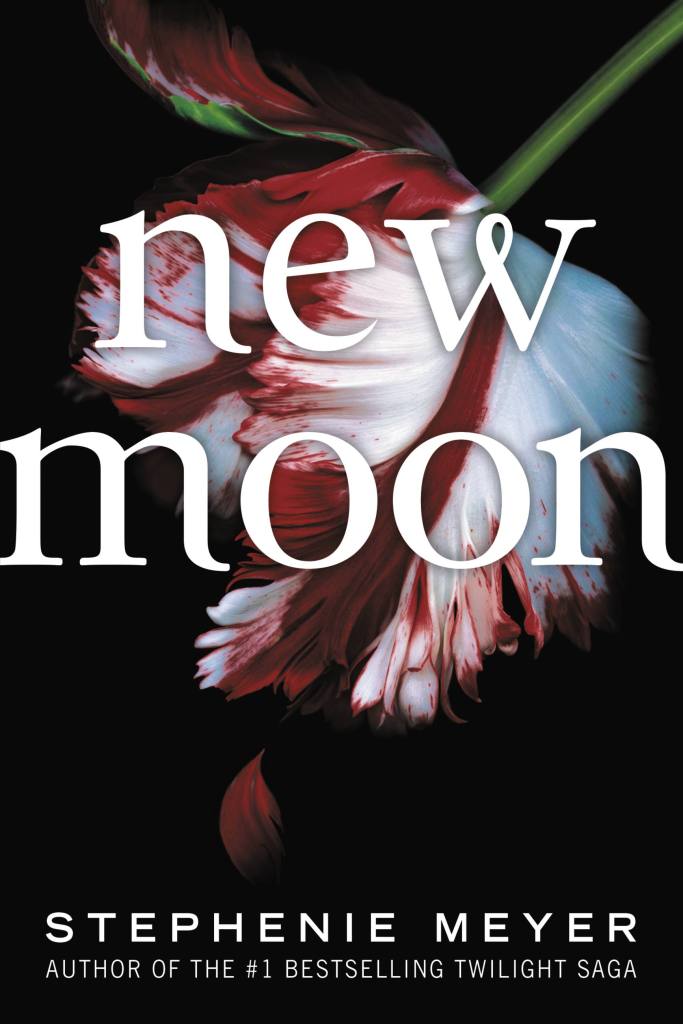
New Moon
For Bella Swan, there is one thing more important than life itself: Edward Cullen. But being in love with a vampire is even more dangerous than Bella could ever have imagined. Edward has already rescued Bella from the clutches of one evil vampire, but now, as their daring relationship threatens all that is near and dear to them, they realize their troubles may be just beginning.
Bella and Edward face a devastating separation, the mysterious appearance of dangerous wolves roaming the forest in Forks, a terrifying threat of revenge from a female vampire and a deliciously sinister encounter with Italy’s reigning royal family of vampires, the Volturi.
Passionate, riveting, and full of surprising twists and turns, this vampire love saga is well on its way to literary immortality.
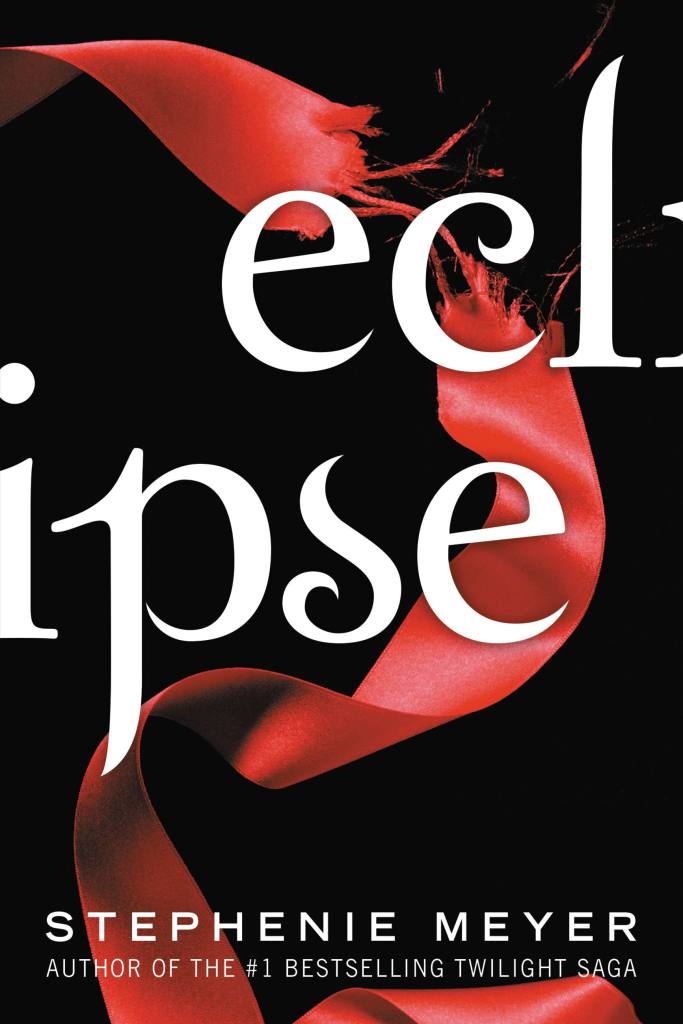
Eclipse
As Seattle is ravaged by a string of mysterious killings and a malicious vampire continues her quest for revenge, Bella once again finds herself surrounded by danger. In the midst of it all, she is forced to choose between her love for Edward and her friendship with Jacob — knowing that her decision has the potential to ignite the ageless struggle between vampire and werewolf.
With her graduation quickly approaching, Bella has one more decision to make: life or death. But which is which?
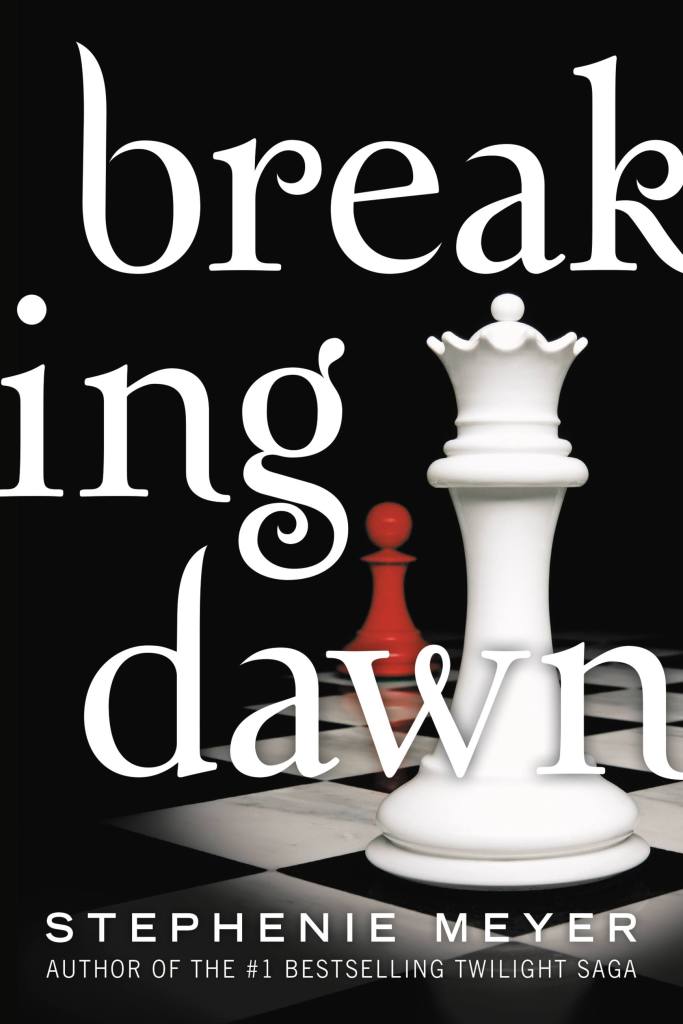
Breaking Dawn
When you loved the one who was killing you, it left you no options. How could you run, how could you fight, when doing so would hurt that beloved one? If your life was all you had to give, how could you not give it? If it was someone you truly loved?
To be irrevocably in love with a vampire is both fantasy and nightmare woven into a dangerously heightened reality for Bella Swan. Pulled in one direction by her intense passion for Edward Cullen, and in another by her profound connection to werewolf Jacob Black, a tumultuous year of temptation, loss, and strife have led her to the ultimate turning point. Her imminent choice to either join the dark but seductive world of immortals or to pursue a fully human life has become the thread from which the fates of two tribes hangs.
This astonishing, breathlessly anticipated conclusion to the Twilight Saga illuminates the secrets and mysteries of this spellbinding romantic epic.
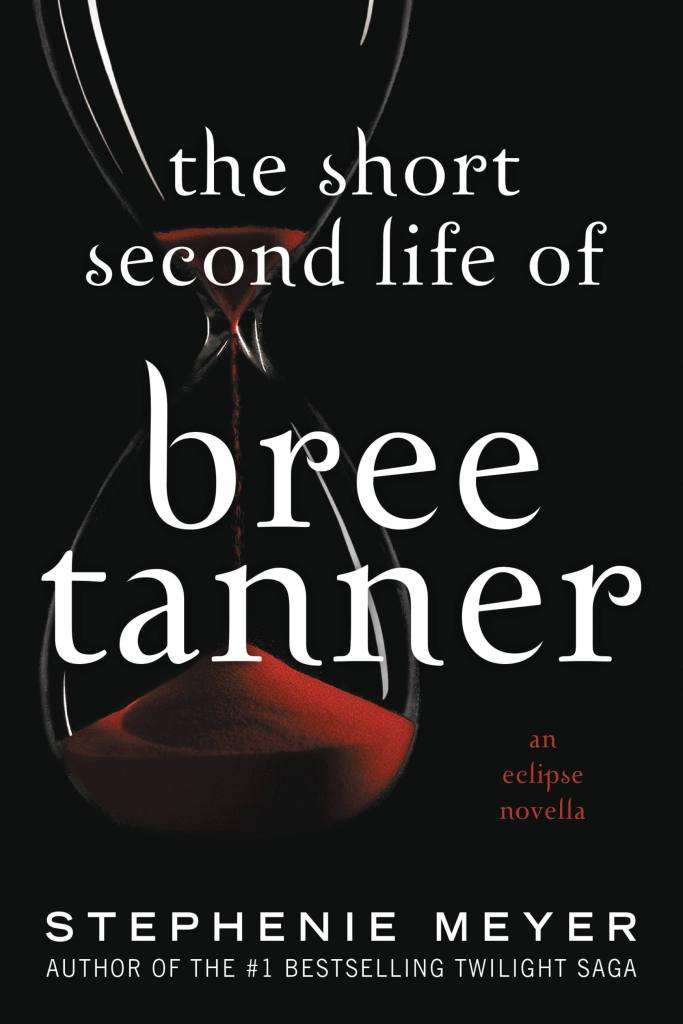
The Short Second Life of Bree Tanner
Newly turned vampire Bree Tanner lives in terror — and must find her way out of untold danger — in this pulse-pounding novella, a companion to Eclipse.
Bree Tanner, a self-described “vampire nerd” first introduced in Eclipse, lives in terror in a coven of newborn vampires. She is a member of Victoria’s vampire army, and as that army closes in on Bella Swan and the Cullens, she finds her first friend and discovers a truth about daylight.
While fans may know how it ends, they don’t yet have the full story: Bree’s tale of danger, mystery, and romance is one for the books.
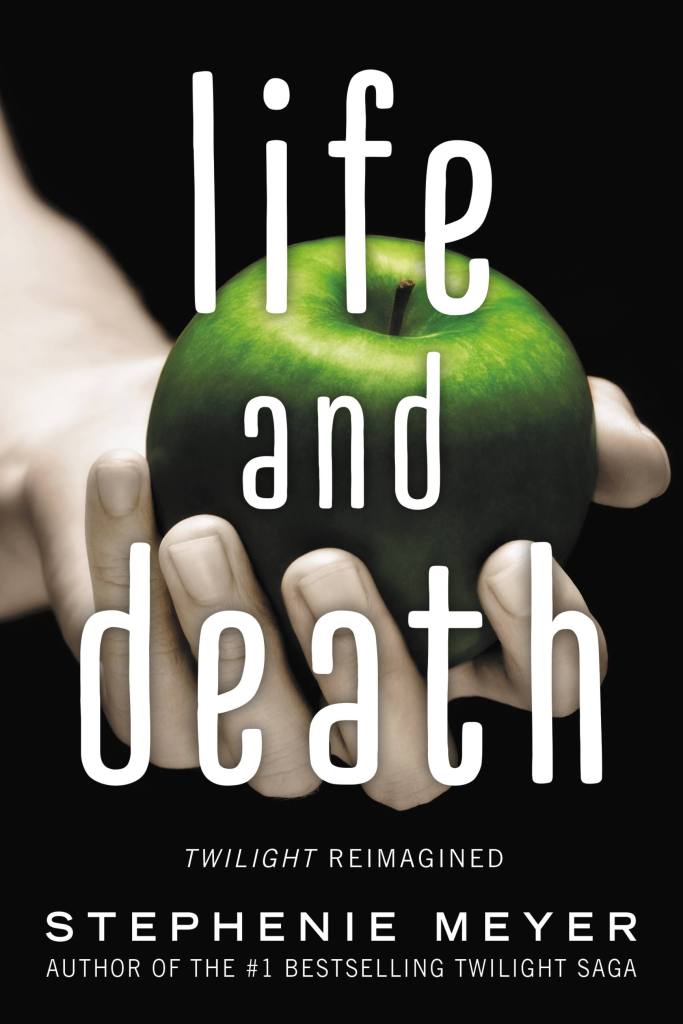
Life and Death
There are two sides to every story . . .
You know Bella and Edward, now get to know Beau and Edythe.
When Beaufort Swan moves to the gloomy town of Forks and meets the mysterious, alluring Edythe Cullen, his life takes a thrilling and terrifying turn. With her porcelain skin, golden eyes, mesmerizing voice, and supernatural gifts, Edythe is both irresistible and enigmatic.
What Beau doesn’t realize is the closer he gets to her, the more he is putting himself and those around him at risk. And, it might be too late to turn back . . .
With a foreword and afterword by Stephenie Meyer, this compelling reimagining of the iconic love story is a must-read for Twilight fans everywhere.
The series has been praised as New York Times and USA Today bestsellers, a Time magazine Best Young Adult Book of All Time, an NPR Best Ever Teen Novel, and a New York Times Editor’s Choice. Enrapturing millions of readers since its first publication, Twilight has become a modern classic, leaving readers yearning for more.
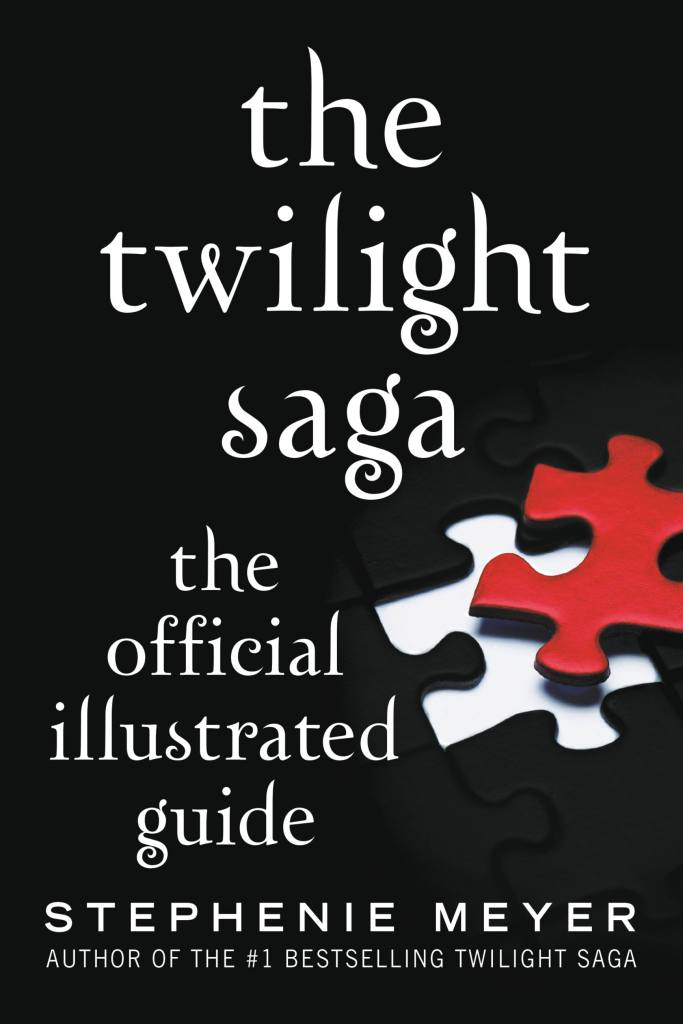
The Twilight Saga: The Official Illustrated Guide
A definitive encyclopedic reference to the Twilight Saga, providing readers with everything they need to further explore the unforgettable world Stephenie Meyer created in Twilight, New Moon, Eclipse, Breaking Dawn, and The Short Second Life of Bree Tanner. This comprehensive handbook—perfect for every Twilight Saga fan—is full-color throughout, with nearly one hundred gorgeous illustrations and photographs, character profiles, genealogical charts, maps, extensive cross-references, inspirational playlists, an in-depth conversation with author Shannon Hale, and much more.
About the Author

Stephenie Meyer is the author of the The Chemist, the #1 bestselling Twilight Saga and The Host. She graduated from Brigham Young University with a degree in English literature, and she lives with her husband and three sons in Arizona.
Fan Behavior

#Twilight

ON THE BLOG

NOVL BookTober Week 3 Recs
NOVL BookTober Week 2 Recs
Banned Books That Shaped Me

Choose Your Favorite Indie Sleaze/Tumblr-core Band, Get a Book Rec

Books to Get You into that Pumpkin Spice Latte Mood
What to Read Based on Your Favorite Ice Cream Flavor!

Choose a Book, Get a Promposal

Choose a Manga, Get a Book Rec
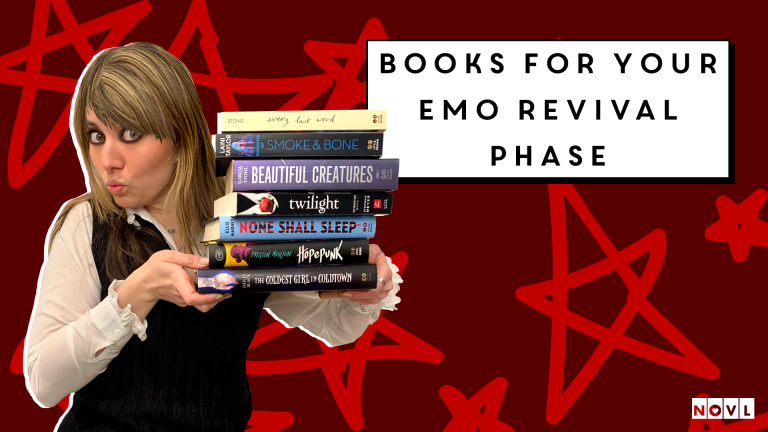
Books for Your Emo Revival Phase

The Best Books to Read This Valentine’s Day
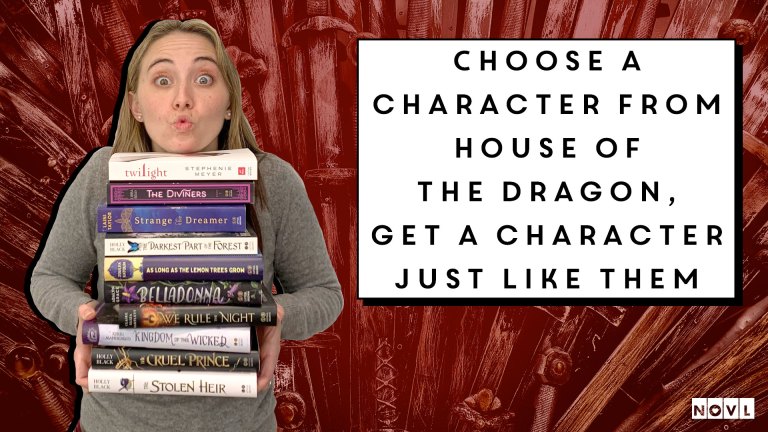
Choose a Character from House of the Dragon, Get Another Character Just Like Them
Want Free Books?
By clicking ‘Sign Up,’ I acknowledge that I have read and agree to Hachette Book Group’s Privacy Policy and Terms of Use